A vector logo is a logo drawn with mathematical lines and curves, not with pixels. That is why you can enlarge it as much as you like —from a business card to a shop sign or the side of a van— and it always stays sharp. The most common vector formats are SVG, PDF, AI and EPS.
In this guide we show it with a real example: the logo for Taller Ruiz, a car repair shop, made from start to finish at creadorlogos.com. Designing is free, and the vector logo in SVG, PDF and large PNG costs €9.90, one payment.
Vector logo vs PNG logo: the difference at a glance
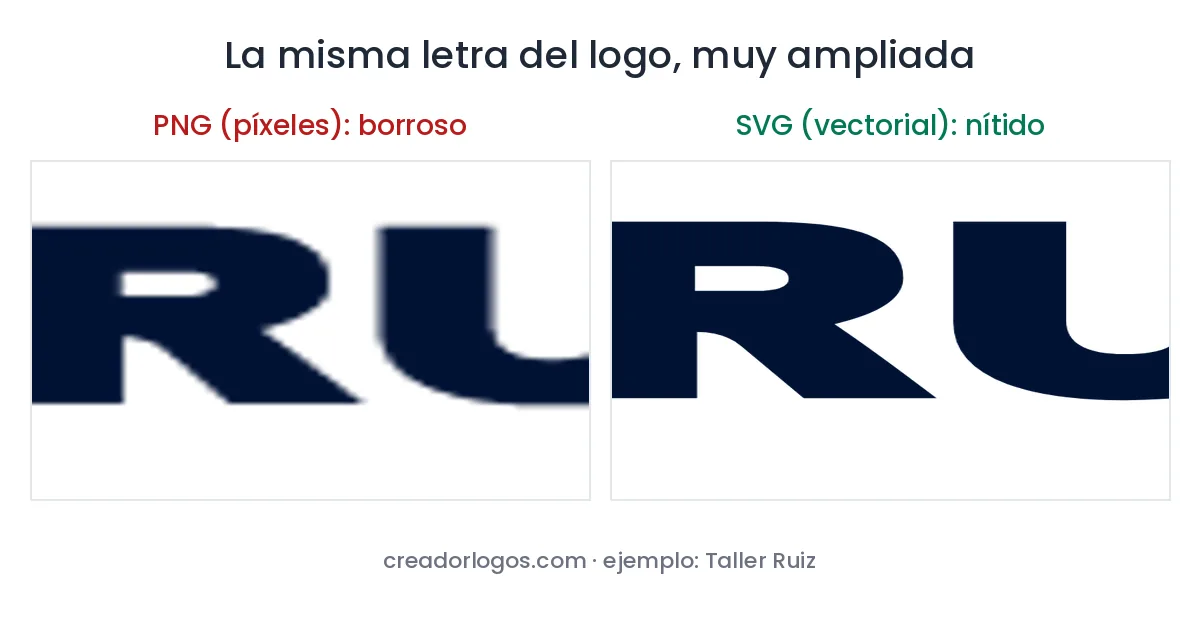
A PNG or JPG image is a grid of coloured dots (pixels). When you enlarge it, the dots get bigger and the edges turn blurry or jagged. A vector logo stores the shape of every letter and drawing, so the computer redraws it perfectly at any size.
When do you need your logo in vector format?
- Signs and shop fronts: the logo is printed several metres wide.
- Car and van vinyls: the cutting machine (plotter) needs shapes, not pixels.
- Printing: business cards, flyers, T-shirts and embroidery.
- Your website and social media: an SVG looks sharp on any screen and weighs very little.
If a printer or sign maker has ever asked you for “the logo in vector”, “the SVG logo” or “the high quality logo”, this is it.
Real example: the Taller Ruiz logo, step by step
Don’t have a logo yet? In our guide how to create a free logo for your business you’ll find another full example, with a coffee shop.
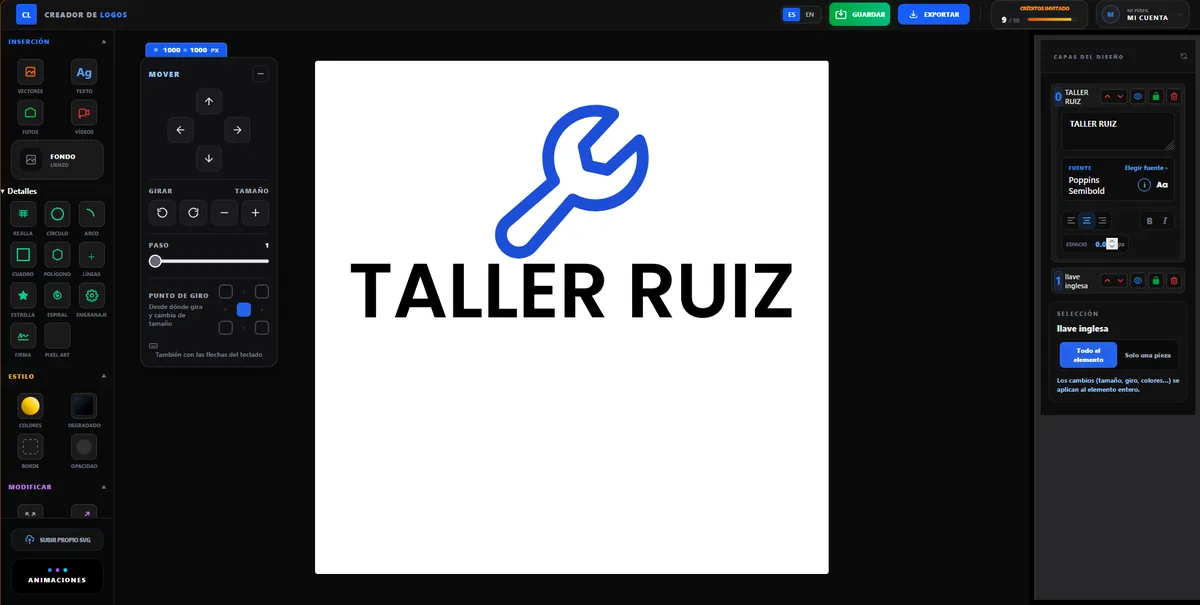
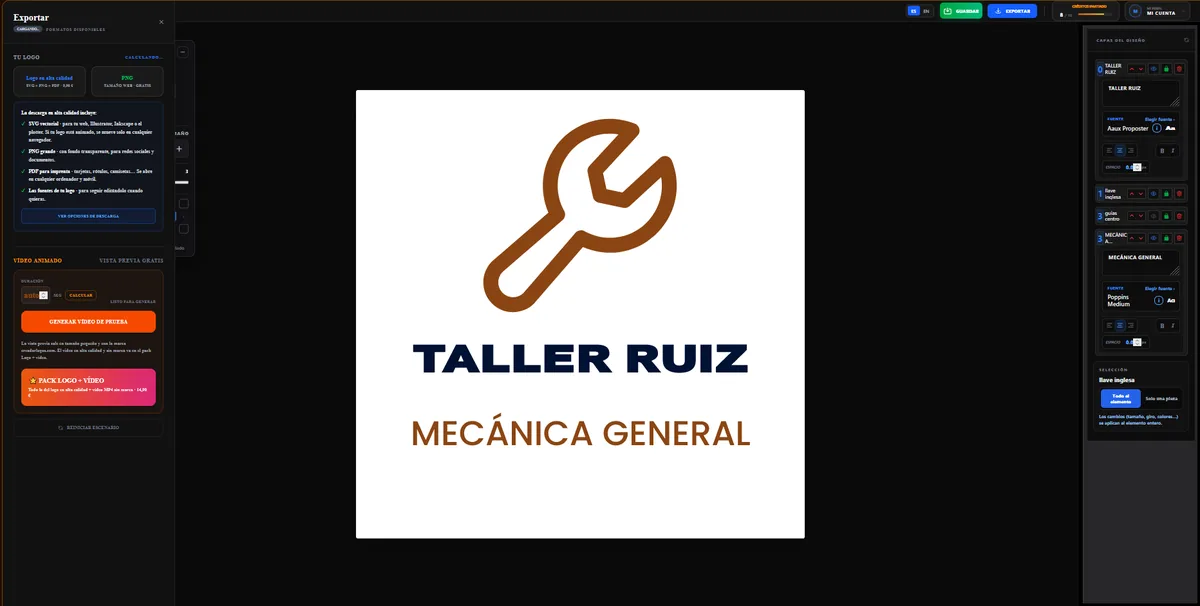
1. Type your business name. On the creadorlogos.com home page, type the name and choose your type of business. When we click Taller (car repair shop), the example changes to a wrench.
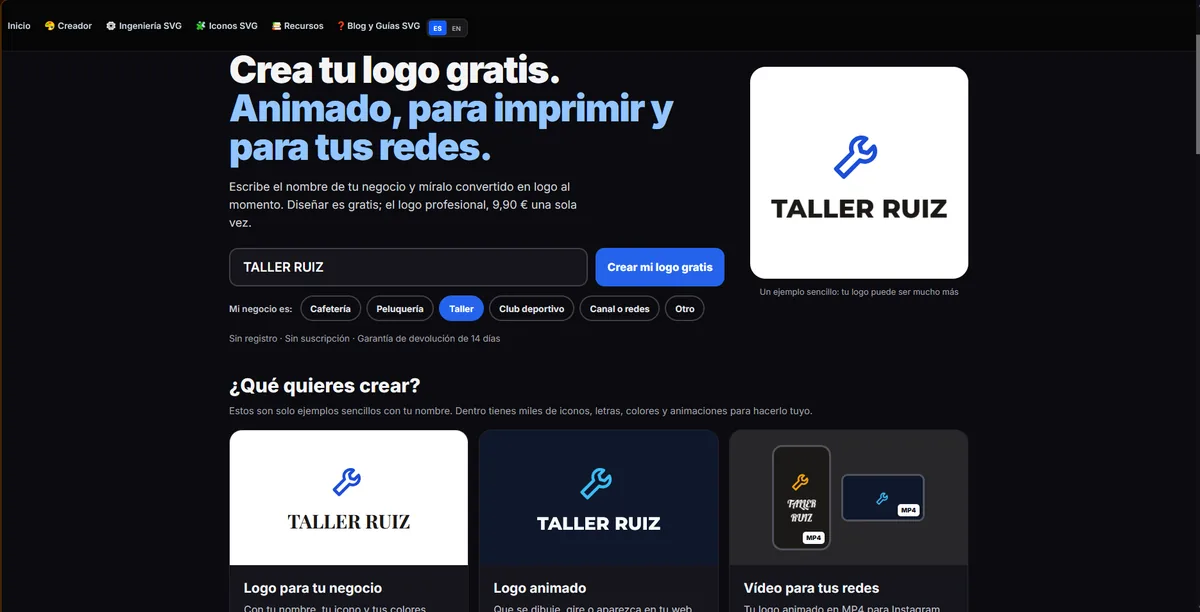
2. Open the editor. Click Create my free logo: the editor opens with your name and the icon already in place, no sign-up needed. If you want another icon, there are over 100,000 in the icon library.
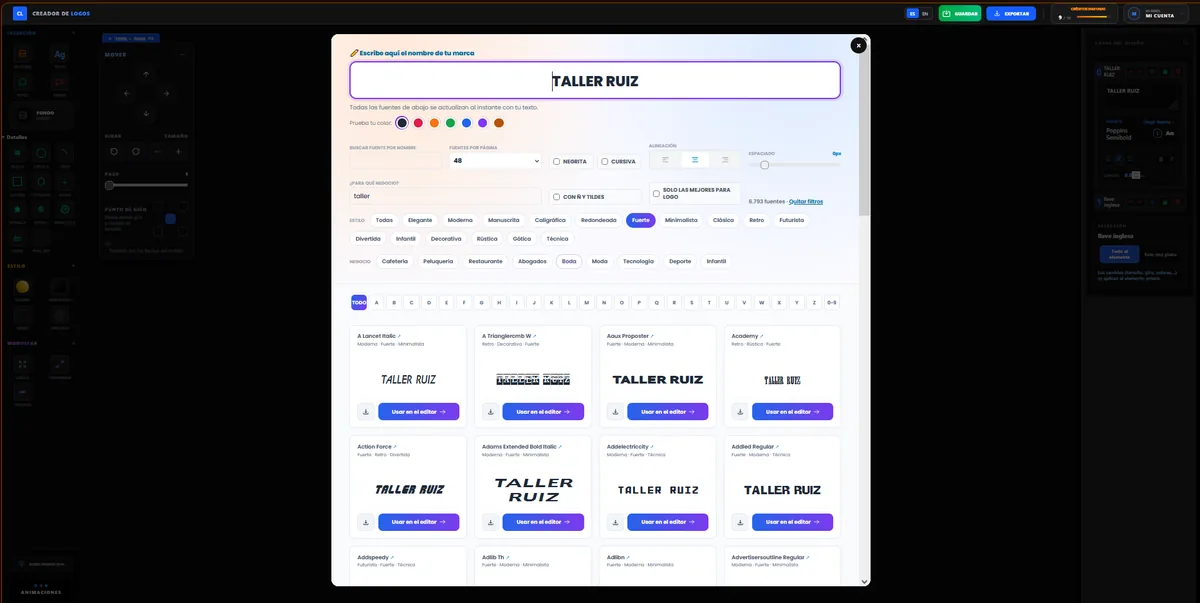
3. Choose a font that suits your business. On the text layer, click Choose font. You can filter more than 44,000 logo fonts by style and by business: for a car repair shop we picked Bold and typed «taller».
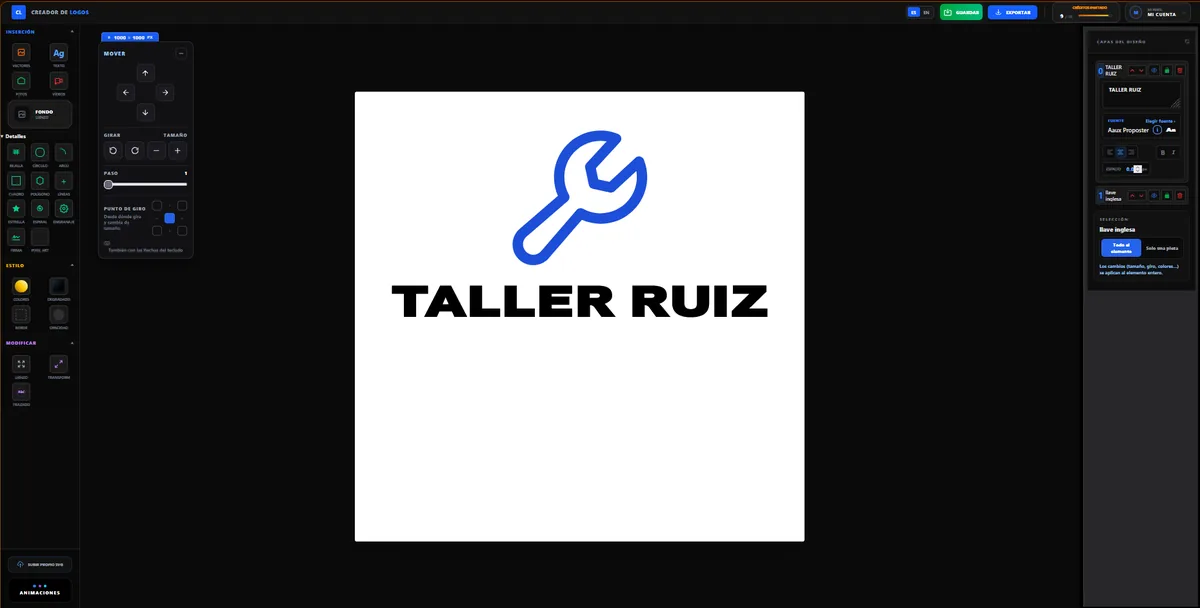
4. Check that it reads well. We chose Aaux Proposter: bold, wide and very readable. The editor fits it to the width of the canvas automatically.
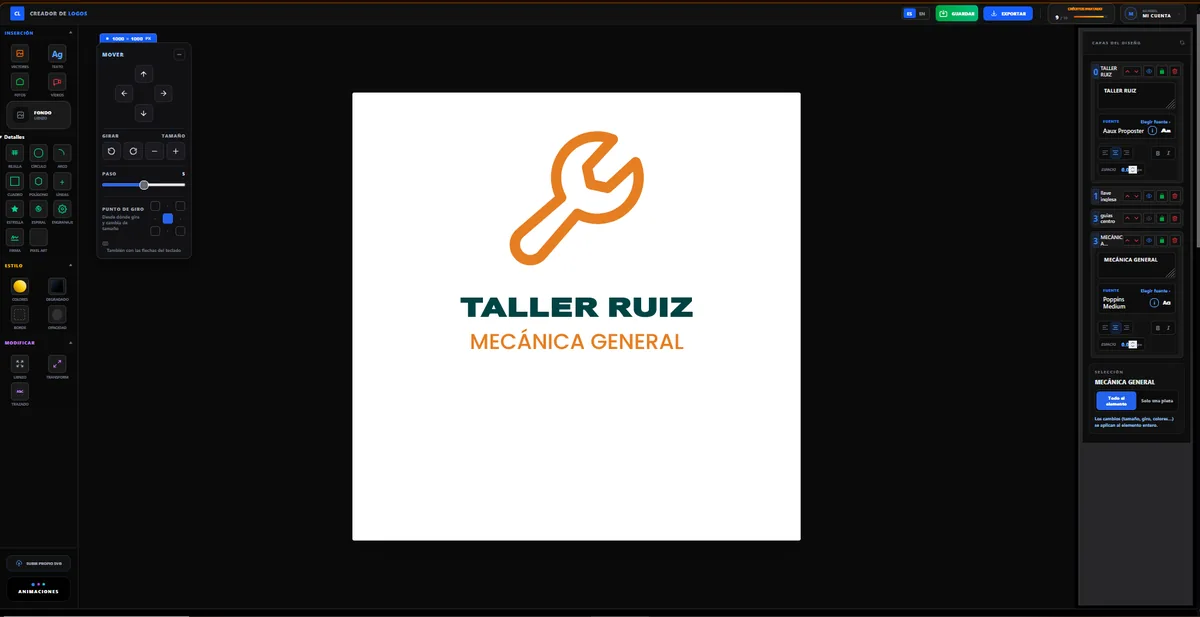
5. Add a tagline and your colours. With the Text button we add «MECÁNICA GENERAL» (general mechanics) in Poppins Medium, smaller. We paint the wrench and the tagline the same orange and the name dark blue: two colours are enough and they inspire trust.
6. Download it in vector format. Click Export. The small PNG is free. The high-quality logo (€9.90, one payment) includes the vector SVG, a large PNG with a transparent background, a print-ready PDF and your logo’s fonts.
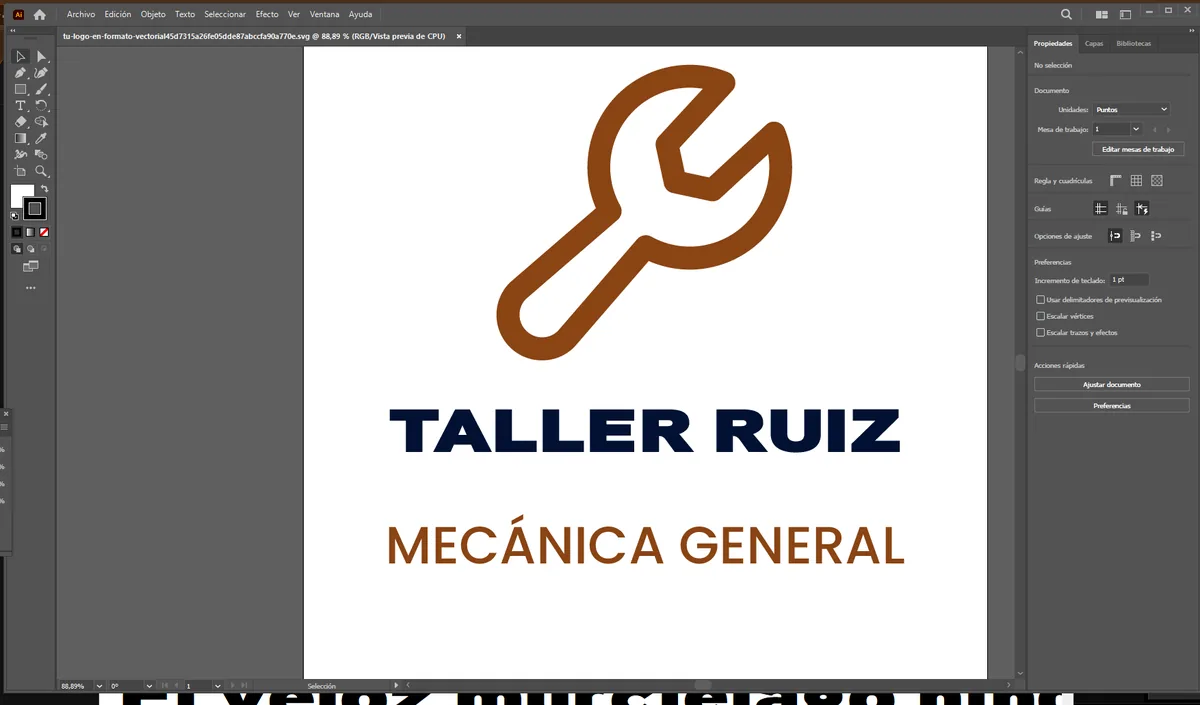
Check your logo in Illustrator or Inkscape
The SVG opens in Adobe Illustrator, in Inkscape (free) and in any web browser. Every piece can be selected and changed: the icon, the texts, the colours.
Tip: for the texts to show in their font, first install the fonts included in the «fuentes» folder of your download (double-click each one and choose Install).
Which file to use for what
| File | Use it for |
|---|---|
| SVG | Printers, sign makers, cutting plotters, your website and further editing |
| Sending to print or opening on any computer and phone | |
| Large PNG | Social media, documents and presentations (transparent background) |
Frequently asked questions
How do I vectorize a logo I already have as PNG or JPG?
Automatic vectorizing tools usually give jagged edges and distorted letters. The best option is to remake it in the editor with vector letters and icons, as in this example: it takes a few minutes.
Is a vector logo a big file?
No. The SVG of the Taller Ruiz logo is under 3 KB, much smaller than a photo.
What program do I need to open an SVG?
Any web browser opens it. To edit it: Adobe Illustrator or Inkscape, which is free.
Can I use the logo for my business?
Yes. The logo you create is for your business: you can use it anywhere and register it as a trademark.
No sign-up · Designing is free · Vector logo €9.90