What is an SVG Graphic and Why Should You Create Your Own?
If you are taking your first steps into the world of vector graphics, you have probably come across SVG (Scalable Vector Graphics) files. As we explored in our definitive guide on SVG files, this format bridges three worlds: the developer, the web designer, and the graphic designer. Depending on your profile, creating an SVG can be as simple as writing a few lines of code or as creative as drawing a custom logo from scratch. In this tutorial, we will guide you step-by-step to build your first professional SVG.
An SVG graphic is simply a vector drawing defined by XML code. This means you can scale it infinitely without losing quality, which is essential for logos, icons, and modern web interfaces. In our work at creadorlogos.com, we use SVGs to ensure designs look crisp on any screen resolution.
Initial Reflection: Approaching SVG Creation Based on Your Profile
Before diving into practice, consider how you prefer to approach vector design:
- For Graphic Designers: Professional tools like Adobe Illustrator or open-source software like Inkscape offer maximum precision and clean .svg code export for the web.
- For Non-Designers: You can easily use our online platform at creadorlogos.com/crear-logos.php, featuring thousands of vector assets ready to customize and export.
- For Developers: An SVG is plain text easily edited in tools like Visual Studio Code, allowing for manual coding or dynamic generation via JavaScript.
Step 1: Create a Basic SVG with Code
If you are starting out in web development, writing a basic SVG shape is straightforward. Create a plain text file, name it with a .svg extension, and paste the following snippet:
<svg width="100" height="100" xmlns="http://www.w3.org/2000/svg">
  <rect x="10" y="10" width="80" height="80" fill="blue"></rect>
</svg>
Opening this file in your browser will display a clean blue square inside a 100x100 canvas.
Step 2: Exploring Primitive Shapes and the Path Element
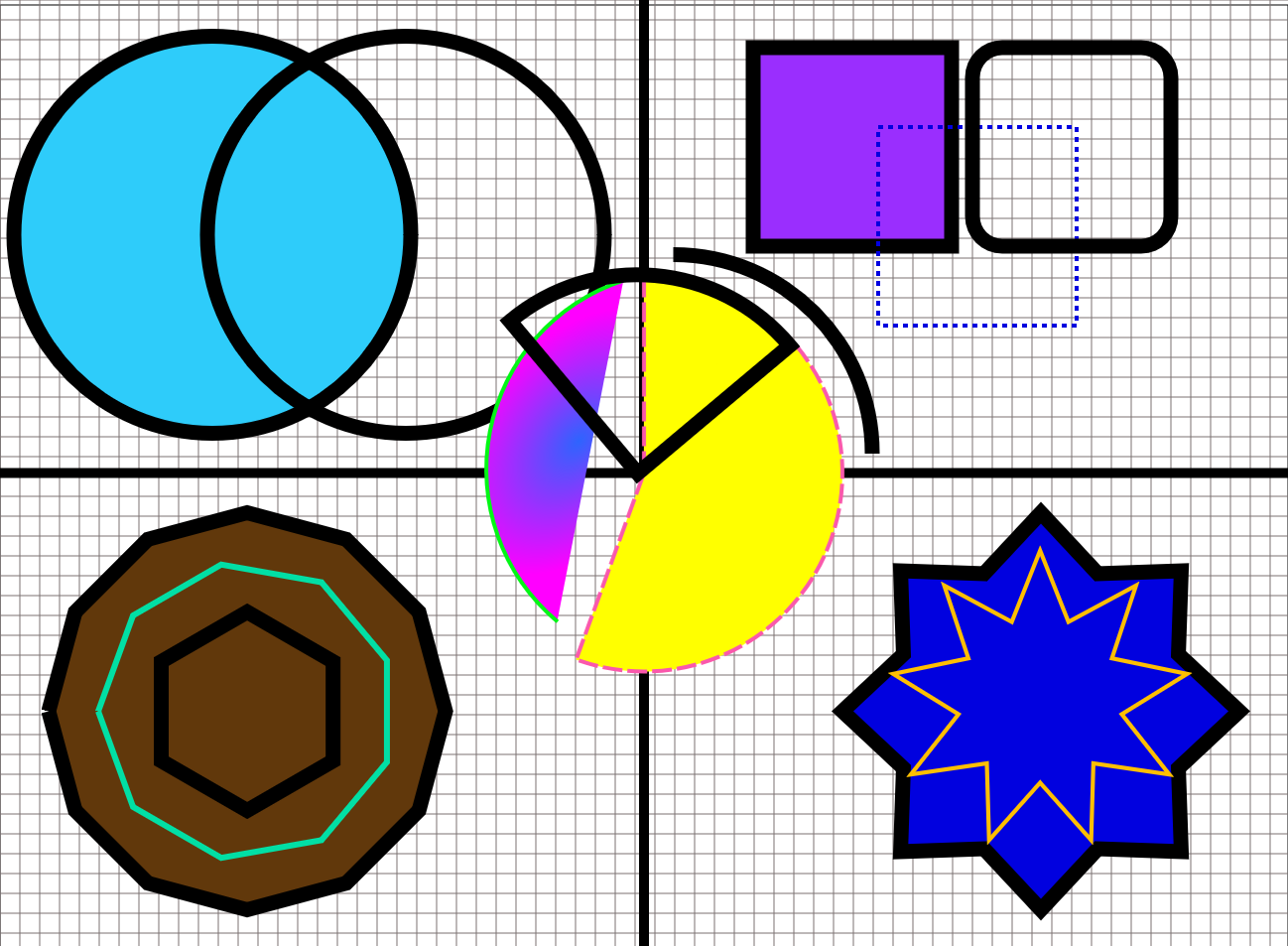
SVGs consist of pre-defined geometric elements. Below is a combined canvas showcasing circles, ellipses, rects, polygons, polylines, and the powerful path element:
<svg width="600" height="400" viewBox="0 0 600 400" xmlns="http://www.w3.org/2000/svg">
    <circle cx="60" cy="80" r="45" stroke="#333" stroke-width="3" fill="#a1d99b"></circle>
    <ellipse cx="180" cy="80" rx="60" ry="30" fill="#a1d99b" stroke="#800000" stroke-width="4"></ellipse>
    <rect x="20" y="150" height="80" width="80" style="stroke:#222; fill: #a1d99b"></rect>
    <rect x="140" y="150" height="80" width="80" rx="15" ry="15" style="stroke:#222; fill: #a1d99b"></rect>
    <polygon points="60,300 100,240 20,240" style="fill:#a1d99b; stroke:#006600; stroke-width:4"></polygon>
    <polyline points="200,260 240,340 280,260 320,340" style="fill:none; stroke:#006600; stroke-width:4"></polyline>
    <path d="M 450,220 L 470,270 L 520,280 L 480,310 L 490,360 L 450,330 L 410,360 L 420,310 L 380,280 L 430,270 Z" fill="#a1d99b" stroke="#006600" stroke-width="3"></path>
</svg>
Step 3: Design SVGs Easily with creadorlogos.com
If you prefer an intuitive visual workflow, visit our logo design tool at creadorlogos.com/crear-logos.php. There you can customize graphics, arrange layers, and export your creations instantly in SVG or PNG formats.
You can also check out our portfolio of examples at creadorlogos.com/ejemplo-logotipos.php for further inspiration.
Conclusion
Mastering SVG graphics is a game-changer for modern web design. Whether through code, desktop tools, or our web creator at creadorlogos.com, vectors remain the gold standard. Are you ready for your next project? Let us know your thoughts below!

